Exported blackmagic ursa cine immersive footage in davinci resolve studio just testing things out to start with to “Vision Pro review” and got a .aivu airdropped to Vision Pro and I was like wait this is not a canon r5c why are you giving me this file.
did some ffmpeg export, wow so much compression!
next tried export to Vision Pro bundle pro res, manually type in 8160×7200 and now I get a Vision Pro bundle file stereo prores, its not MV-HEVC? it is two tracks?
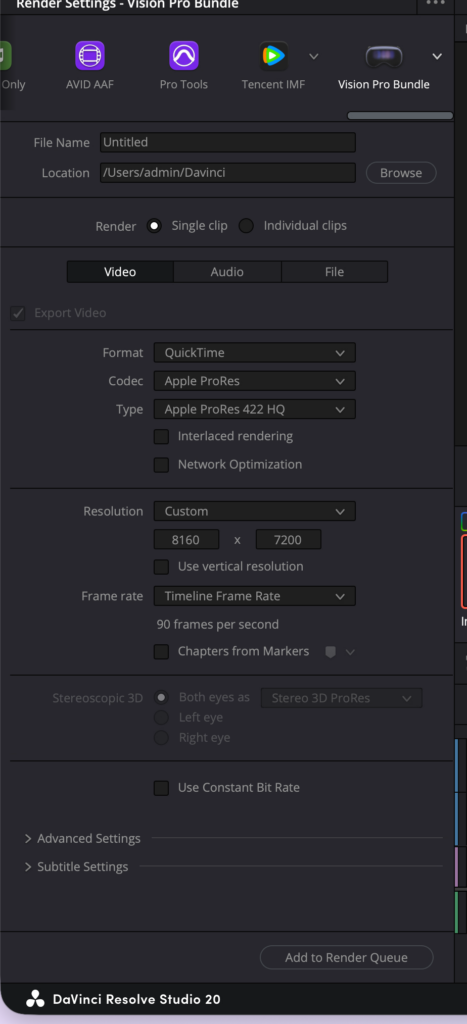
here’s a generated description of this new “Vision Pro bundle”
VR_146.mov
- QuickTime MOV; encoder: DaVinci Resolve Studio
- Stereo immersive master from Blackmagic URSA Cine Immersive
- Two video streams (not frame-packed):
  - 0:v:0 ProRes 422 HQ 8160x7200 90fps (stereo3d view=left), spherical=fisheye
  - 0:v:1 ProRes 422 HQ 8160x7200 90fps (stereo3d view=right), spherical=fisheye
- Audio: AAC stereo 48kHz
- Additional: CoreMedia metadata + timecode tracks
so this is great, but where’s the static foveation!
Here is a video out of holding up a standard grid with a custom script based off the side by side to mv-hevc project that apple provides.
its applying the foveation with a configured k= value that controls how how much of the center of the image to grow. very fun stuff. its a metal Core Image transform, takes each frame in applies foveation, stitches it into a new video each frame and then on the apple vision theres a mesh generator that makes the proper mesh to unwrap the foveated image that came out of metal.
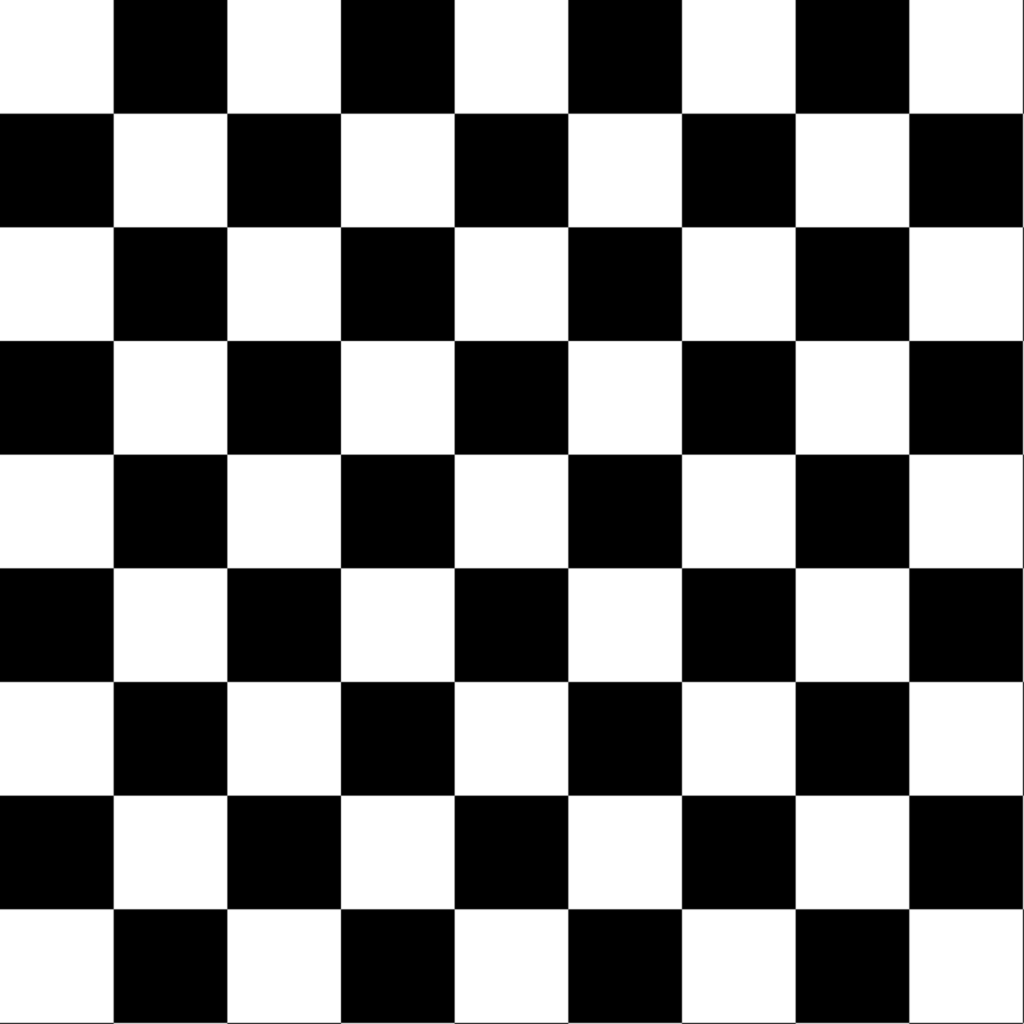
the foveated is working well in this video look at how big the center grid is. the sheet of paper is held very close to the lens. consider how the image started out:
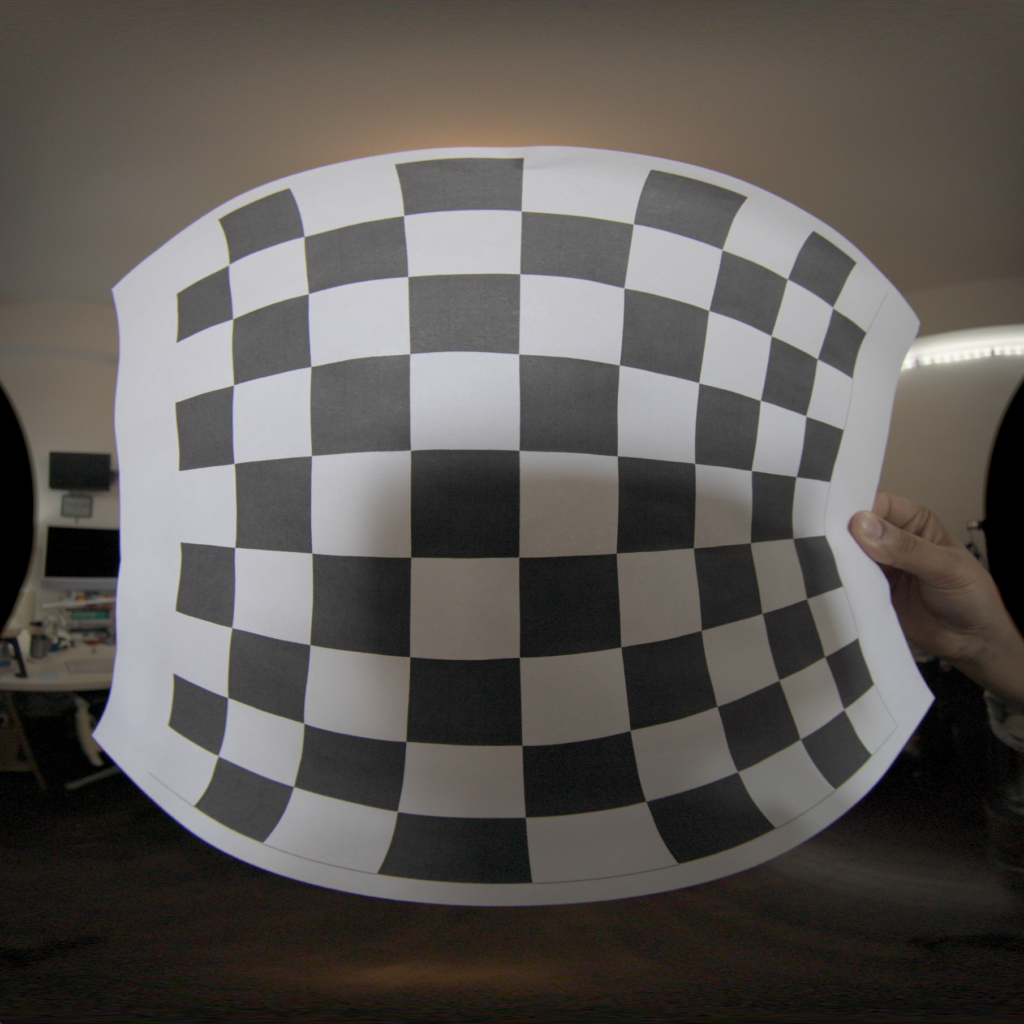
will apple release something like this where its just a setting in the metadata that lets you switch it and then davinci resolve will make sure its being foveated properly for distribution?
my other concern is with the k value … what are the magic numbers and is it one magic number or are there many magic numbers based on whats on the footage? I have been adjusted but landing at a fixed value of 2 – 2.5 foveated k value.
what is nice about the blackmagic camera is (after the AI de-noiser process, otherwise so much noise) that the 8k images are full of detail, so doing the foveating and bringing the resolution down to 4320 sounds like a great thing to do!
time to modify the swift cli to foveated blackmagic ursa cine immersive hooray!
also the image from the blackmagic is not a circle … hmmm
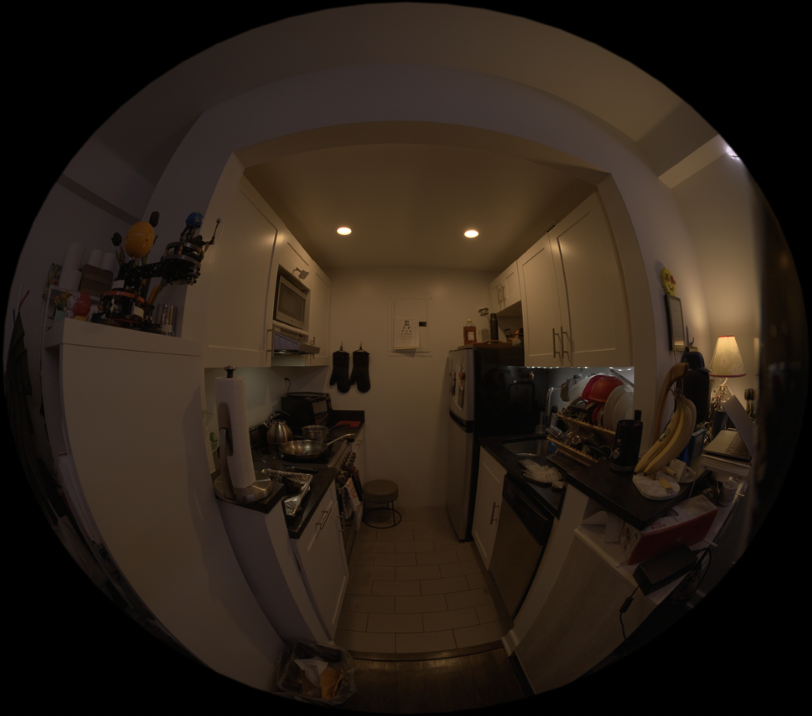
follow up, the blackmagic ursa cine immersive outputs 210 degree, and somewhere in the 210 degrees for each lens is the other lens, so what needs to happen is … center crop and export to 180?
also how does 210 degrees work … does this mean the lens can see a little behind itself?
as an update, here’s a tool to view the fish eye projection through both half equirectangular projection and the “foveated”
https://www.visitnyc.store/fisheye-playground
with an image
https://www.visitnyc.store/fisheye-playground/?img=fisheye.jpg

and there is a brush tool on the source image (the first image on the left) and if you draw, you can see that spot in the image as it goes through the fisheye to transport projection to the final VR viewing
Update: The 210 degree fisheye can be fed into a regular fisheye to VR180 projection function and it just ignores the extra degrees. Put another way, the 8160×7200 gets fed in, but the 7200 fisheye circle inside of the 8160×7200 image of the fisheye can be treated as the entire 180 degree model. At least … original tests are showing no algorithm changes needed, just treat the 7200×7200 image and treat that as 180 degree.