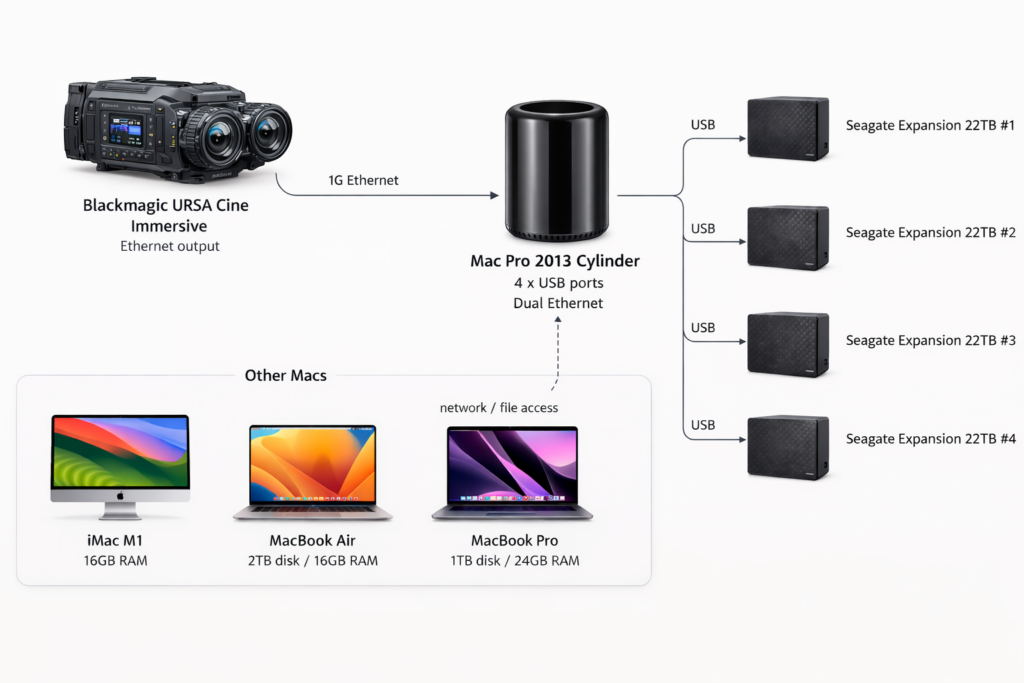
Current setup is:
- iMac M1 16GB RAM (release date purchase!)
- Mosty
- MacBook Air M1 2TB disk 16GB RAM (Backmarket)
- MacBook Pro M2 1TB disk 24GB RAM (Backmarket)
- 4 x 22TB Seagate Expansion USB-C (NewEgg, Amazon for $250/each!)
First problem after getting a second hard drive was connecting more than 1 x 22TB to the MacBooks seem impossible because the hub I have only lets me do one of the peripherals at 5GB? So … I got out a MacPro 2013 Cylinder because it has 4 x USB plugs. And I can mount all four and then it also has 2 Ethernet ports (to 10G and 1G) and 1G connect from the Blackmagic Ursa cine immersive ethernet onto the disk drive of the 22TB Seagate expansion and I can move files around if I need to through the 2013 Mac Pro! The real limiting speed is the hard drive read/write speed is not great … Ethernet / Wifi become next barrier. My concern with getting 10G ethernet is … where would the faster transfer speed go? I could use 10G ethernet to transfer to disk but then I’d need a Mac that has 8TB disk. One experiment with a kill-a-watt on the blackmagic ursa cine immersive connected overnight to do a 8TB transfer to seagate measured $0.50 of electricity at NYC rates of just the camera being on and the ethernet being live while it recorded. So a faster transfer rate to a disk that will eventually need to be offloaded to seagates … I can wait.
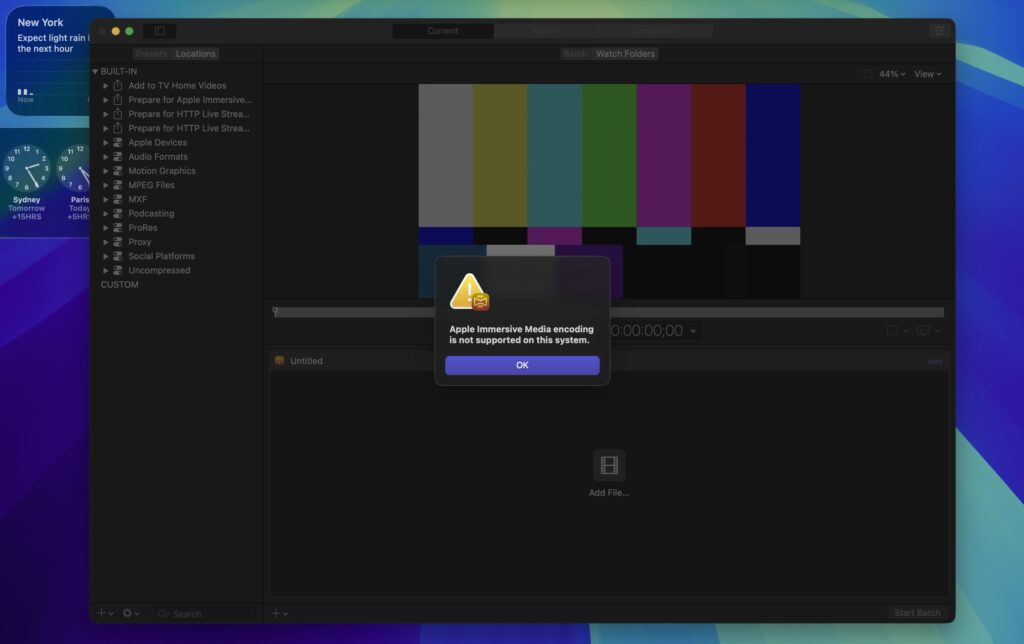
Now at the processing phase, went took some footage and its maybe 2TB of footage, not bad. Dropped it into Davinci Resolve followed the directions and did Delivery, for a 30 second shot it said 1 day + when I did render out following Hugh’s instructions for Delivery for Blackmagic https://www.youtube.com/watch?v=Fz9KYhaaPVE&t=219s and so 22 second shot that had all five clips for previewing put together and then did a render and it said 10 hours at first on the Macbook Pro and eventually overnight it came out to 6 hours. This was 8160×7200 output. From here I got compressor and then it said
Apple Immersive Media encoding is not supported on this system.
Compressor (subscription)
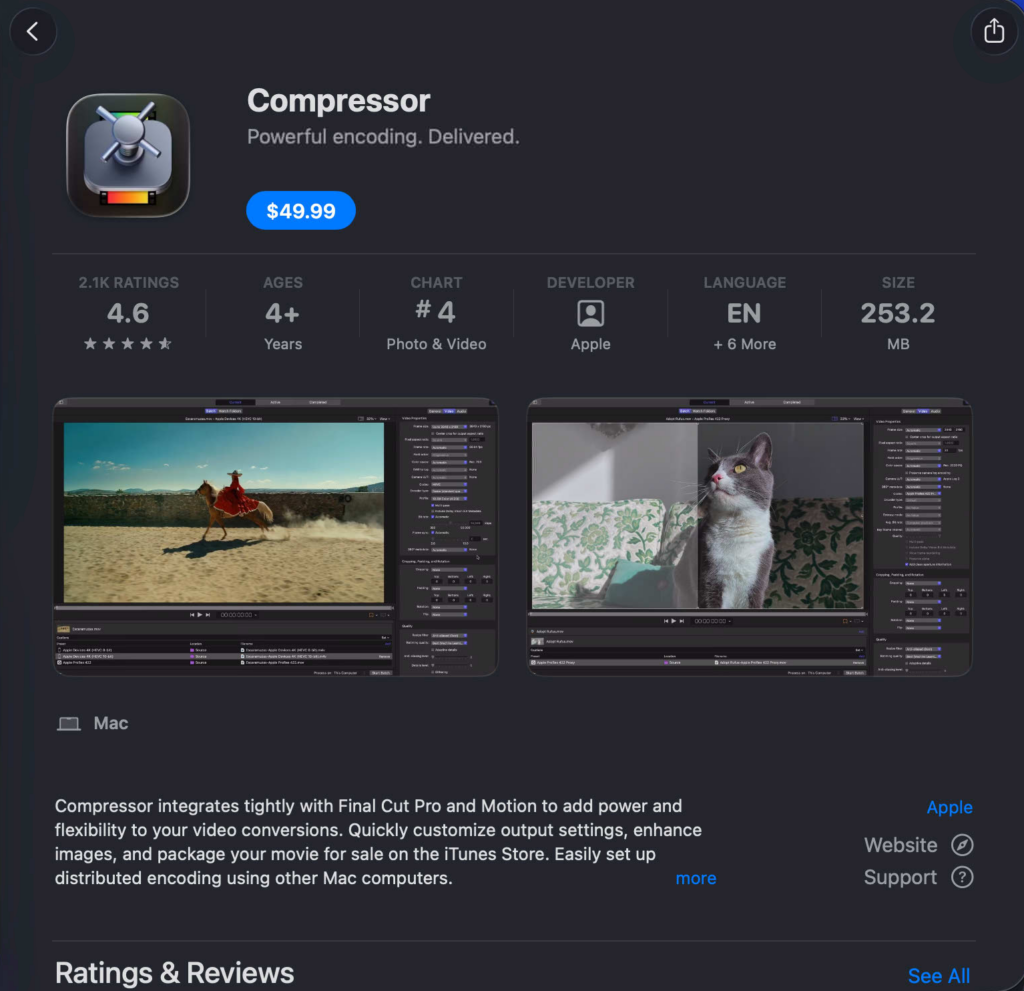
Also when you search Compressor on the App Store there’s two. One is $49.99 and the other with a newer icon just says “Get”. Are they the same exact sofware? The nice thing is that it says free trial on the newer looking icon.
Here’s the “old” but not really old just old icon (does this one get new updates?) I will call this one “Compressor (Paid)”
heres the newer one which I will call “Compressor (Subscription)”
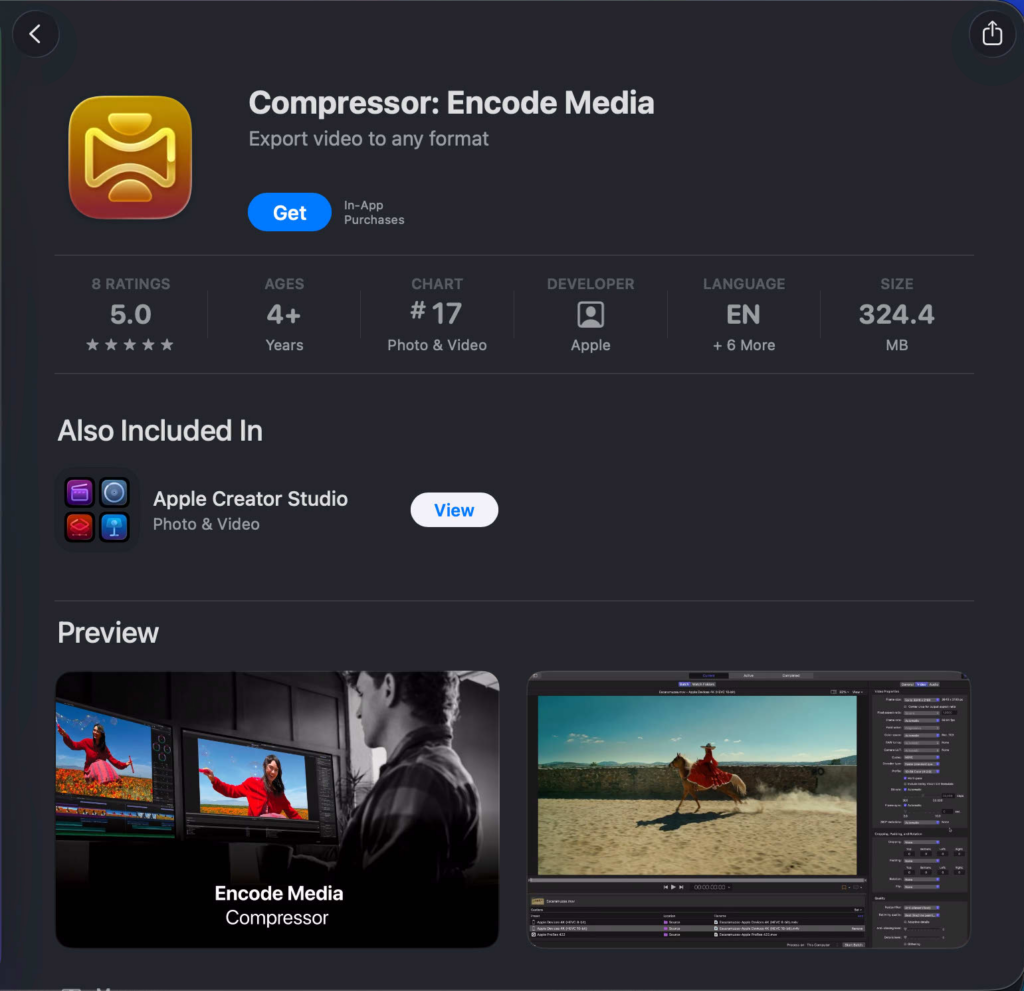
and the newer one is in the apple creator studio bundle
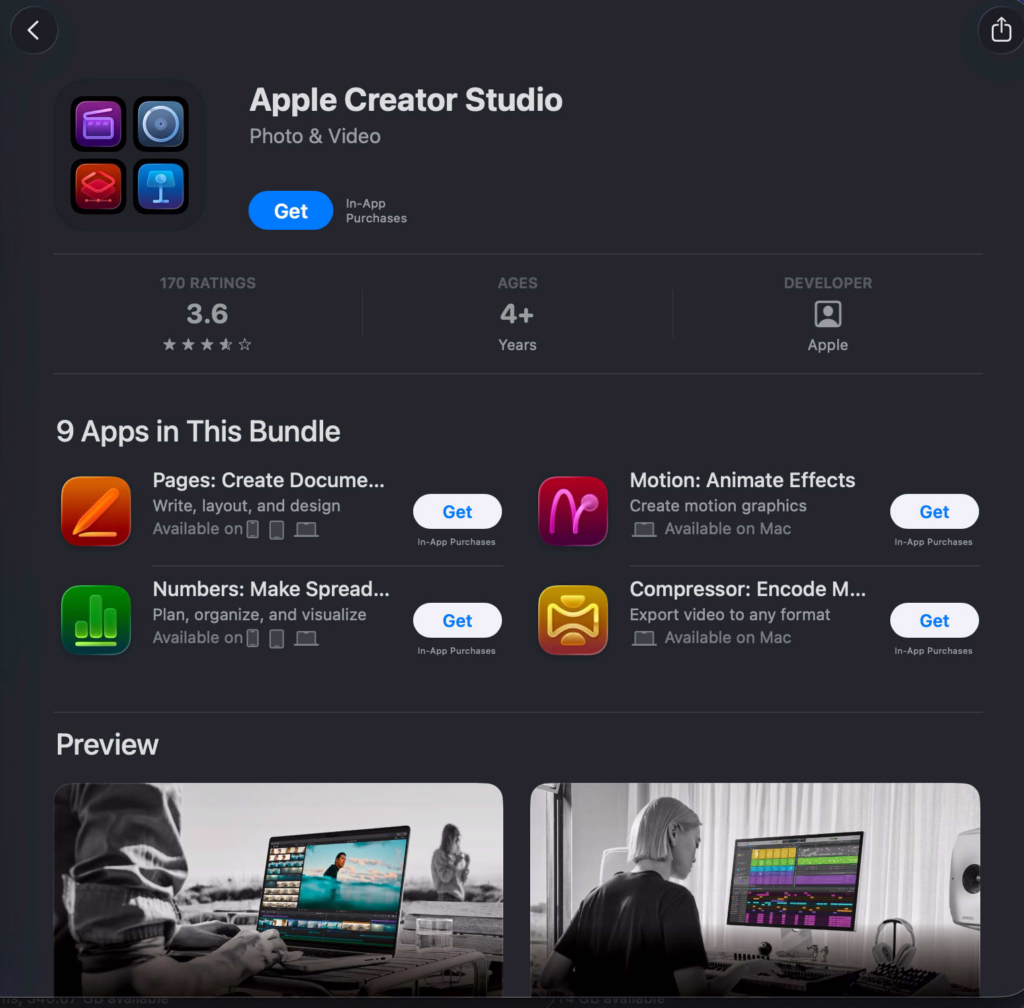
And so Apple Creator Studio bundle gives you all the apps and this newest Compressor … so is one app the purchase and the other is the Subscription?
Doesn’t really resolve the issue with
Apple Immersive Media encoding is not supported on this system.
Compressor (subscription)
There was a https://luma.com/clawconnyc in NYC sponsored by klausai.com and the amount of times anthropic and chatgpt get mentioned on the streets is going up fast, but claw con now people are saying vibe coding on the streets so this must be why the Mac Studio refurbished are sold out on Apple but why are they not instead just putting up there Claude credit and pay per token instead of buying hardware. Also this hard drive situation is also not great. My question is will a chunk of your stockpile of bitcoin be used to live in unlimited Claude credits and was that really the point the entire time? Better spent on than the Ferrari?
Because Compressor can’t be run … and either a decision needs to be made to buy a Mac Studio M4 with 64GB RAM or is it something else? If I can get Davinci to do my full 16K master export I can update my MV-HEVC app to instead do the conversion, while it might take a second at least it won’t deny me because I own that source code. And then I can play with my foveation which Compressor does not yet but will probably support in the future?
You know maybe the OS on this Mac is out of date. I should check that first before getting a new Mac Studio.
Update: The Mac is up to date …
A broader note on why bother: This is a fun engineering challenge! The files are huge, the requirements exceed what the average computer can do. Most computers don’t work that hard, like really hard. Using Safari really hard is like … not diverse hard. I’m talking about all cores are firing on all cylinders the ram is so close to overloading your swap is at max utilization really use the machine to its max. Seems these video jobs really do push the limit and that’s wonderful to see. This is also what’s fun about the Mac Pro 2013, in 2013 it had NVME it had 1G ethernet these are things that were amazing and I remember getting one back then and was like ok I’ll start to use this Mac hard but the most was maybe Eclipse running Java really hard with four servers being debugged and it was like wow really had to work hard to get this machine to work hard. So in this situation, it’s sort of a fun engineering challenge. I think spatialgen would make all these headaches go away (maybe? maybe not?) but there is a fun of the joy of the endeavor of trying these new things out and building tools maybe in ways others haven’t thought about it, or in ways they did and learn about why they went different forks in the road. Real fun engineering.
This is all to say it would be great if my MacBook 24GB could run a side by side from the Vision Pro bundle master and then convert it to something I can playback at good quality on the Vision Pro while in parallel I hone my story telling skills to match the video quality I want to get out of the entire process.